

I built a launcher.
Bopop is a keyboard-first launcher for macOS. Press a shortcut and a small palette appears over whatever you’re doing—on any Space, even over a full-screen app. Type a few characters, hit Return, and you’re done.
An app opens. An answer appears. A snippet lands on your clipboard. Then the palette gets out of the way.
That’s the whole idea: press, type, go.
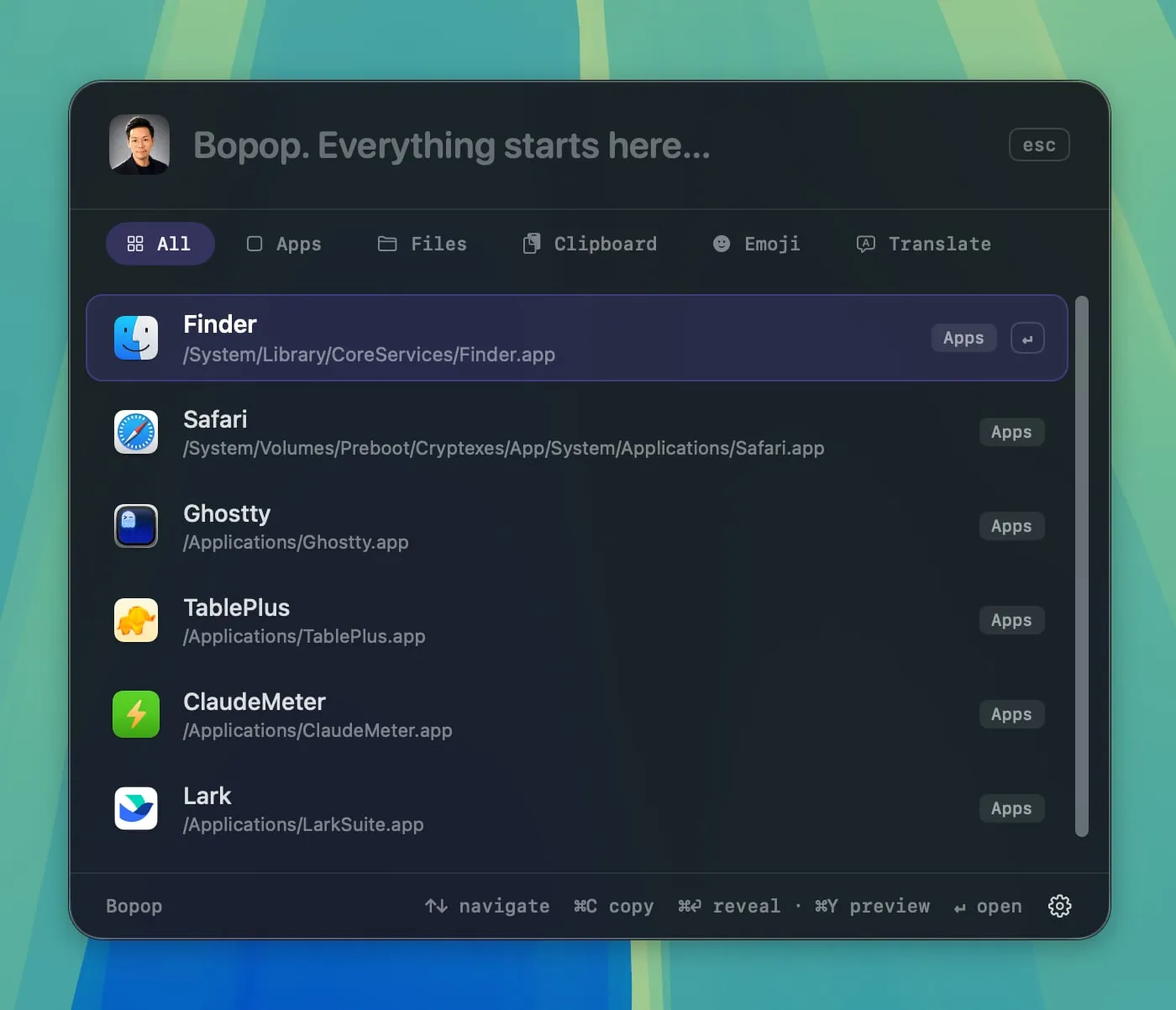
Bopop v0.1.0 is available today, free and open source under the MIT license.
What it does#
Bopop handles the obvious launcher tasks:
- Open apps, ranked by how often you use them
- Find files
- Search and re-copy items from your clipboard history
- Pick emoji from a tile grid
It also answers the small questions that shouldn’t require opening a browser:
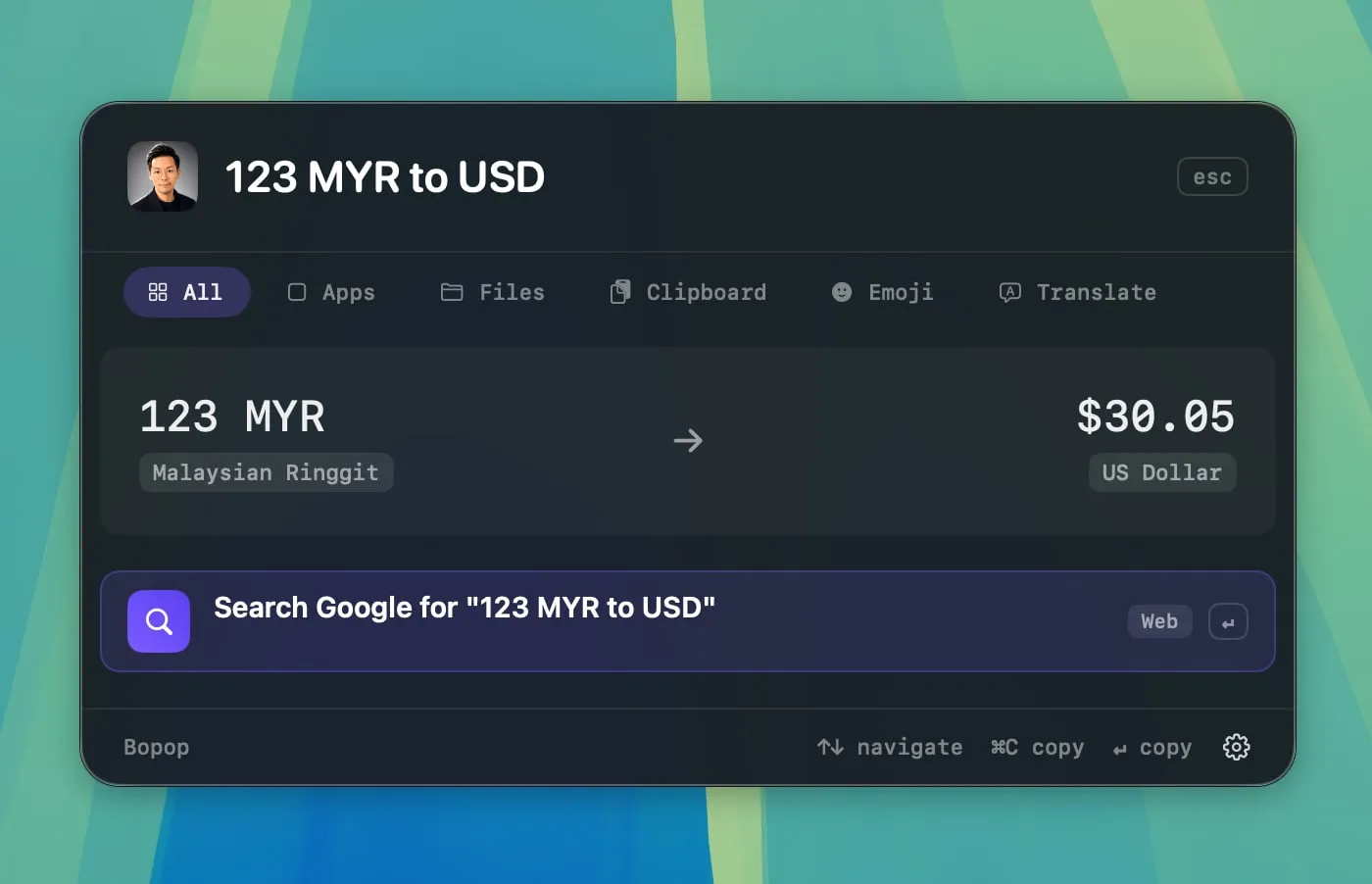
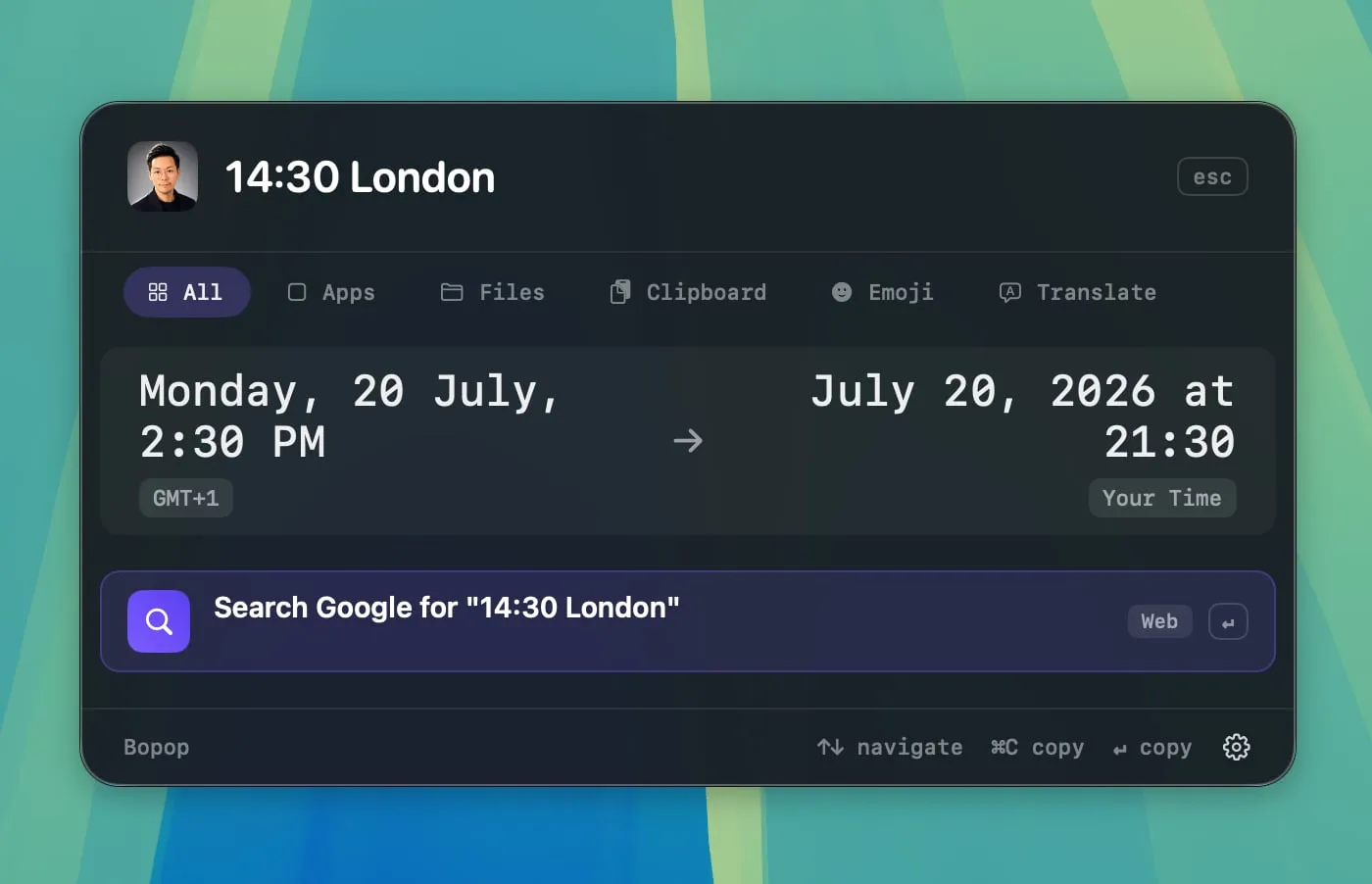
2*(3+4)^2— calculate as you type123myr to usd— convert currencies using cached ECB rates9am eastern— convert time zones, including half-hour offsetsdefine serendipity— look up definitions with the macOS dictionaryt 你好— translate between English and Chinese entirely on-device- Paste a link full of tracking parameters — get a clean version back
There’s more: system commands such as lock, sleep, and empty trash; custom scripts exposed as searchable commands; saved snippets; keyword searches for any website; Quick Look and Reveal in Finder for file results; and a Large Type mode for displaying something clearly across the room.
Local-first, without the asterisk#
This is the part I care about most.
Nearly everything Bopop does stays on your Mac. During normal use, its only external data request is for public exchange rates—and that happens only while you’re entering a currency query and the local cache is stale. Translation, dictionary lookups, calculations, clipboard history, and file searches all run locally.
Bopop also asks for very little:
- No Accessibility permission
- No Full Disk Access
- No background indexer quietly crawling your home folder
File search uses Spotlight strictly on demand. Bopop does not build its own file index, and it forgets the results when you close the palette.
Clipboard history ignores concealed pasteboard entries, so content copied from password managers is not stored.
The interface is a native AppKit panel: no web view, no browser chrome, and no decorative animation. It should feel like part of macOS because, for the most part, it is.
Get Bopop#
Bopop requires macOS 15 or later and an Apple silicon Mac.
Download the DMG from the releases page, or build it yourself. It’s a plain Swift package with zero dependencies:
git clone https://github.com/jewei/bopop
cd bopop
make app
Future releases will be available through the in-app updater.
This is an early release—very much v0.1.0—and the feature set is intentionally focused rather than sprawling.
When something feels off, or a quick answer you rely on is missing, open an issue. I’m listening.
Press. Type. Go.